accessibility · WCAG · engineering
Why We Built Our Own Accessibility Engine (And What "Accuracy" Really Means)
Most accessibility scanners sort the world into violations and passes. We think that's the wrong model — and here's the thinking we built around instead.
Automated accessibility testing has a credibility problem. Run three popular scanners against the same page and you'll get three different issue counts — sometimes off by an order of magnitude. Teams learn to distrust the numbers, accessibility debt piles up, and the tools get blamed.
When we set out to build our scanning engine, we didn't start from "how do we find more issues?" We started from a harder question: how do we find the right issues, and how do we be honest about the ones a machine can't judge?
Here's the thinking behind it.
The problem with "violation or nothing"
Most scanners sort the world into two buckets: this is a violation, or it isn't. It's a comfortable model for a CI gate — red or green — but accessibility doesn't actually work that way.
A huge share of real accessibility barriers live in a grey zone that no static rule can resolve with confidence. Does this image's alt text actually describe the image, or is it just present? Is this heading meaningful, or filler? Does the reading order make sense? A binary engine has two bad options here: flag everything and drown the user in false positives, or stay silent and miss real problems.
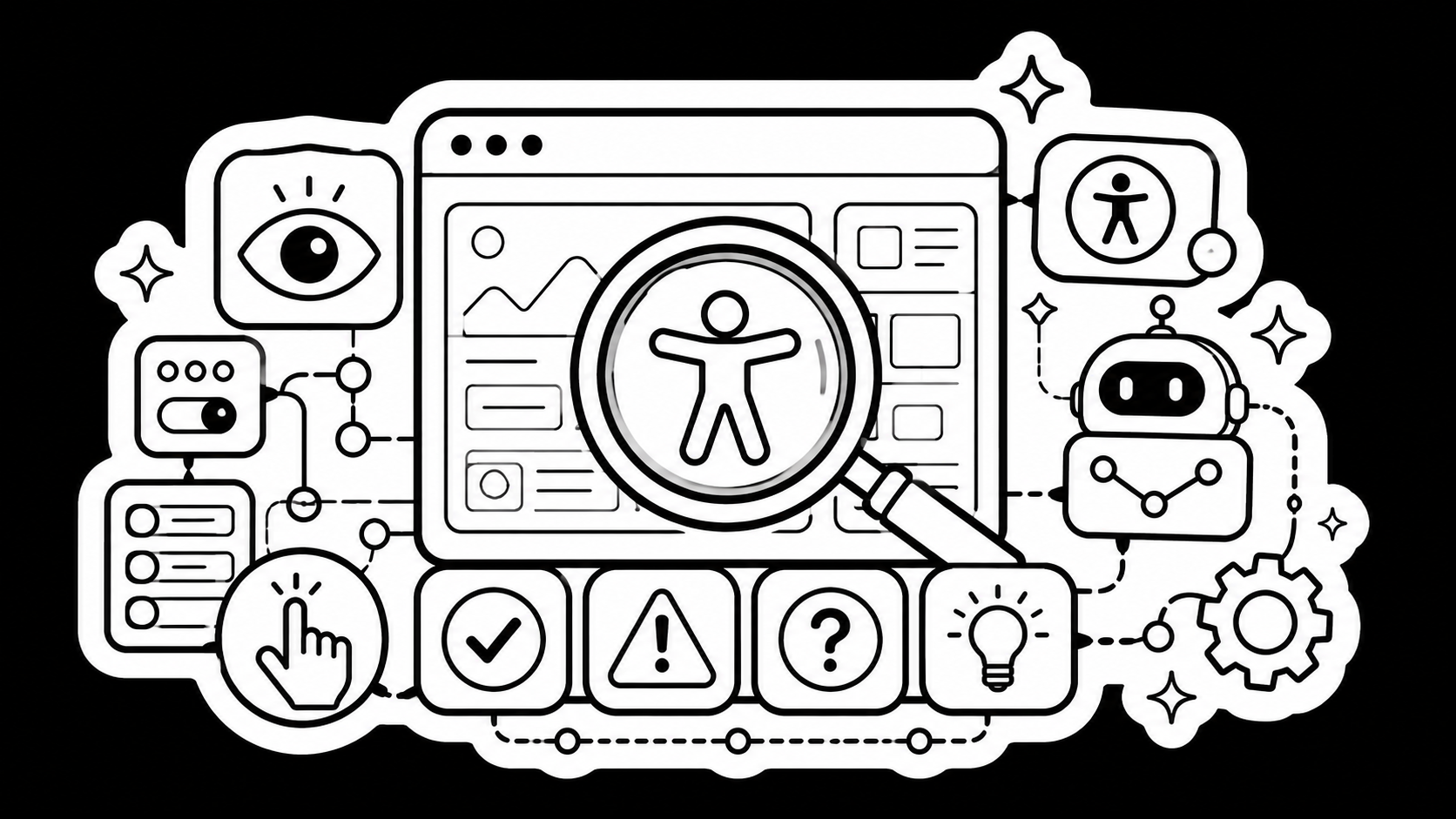
We rejected the binary. Our engine returns a graded set of verdicts — issues that genuinely fail, issues that need a human to make the call, advisory suggestions, and confirmed passes. The "needs human review" category is the one we care most about, because it's where honest accessibility work actually happens. We surface those items by default instead of burying them where nobody looks.
Test the page a human would see, not the source
The second decision was about where testing happens. A lot of tooling reasons over static markup. But users don't experience your markup — they experience a rendered page: computed styles, applied fonts, actual layout, elements positioned off-screen, content revealed or hidden by CSS.
Our engine evaluates the fully rendered page in a real browser. That single choice eliminates whole classes of false positives and false negatives — particularly around visibility and colour contrast, where the answer depends entirely on what actually painted to the screen, not on what the HTML implied.
Generic rules find generic problems
The third decision was about granularity. A general-purpose rule like "interactive elements need an accessible name" is correct, but it's blunt. The right guidance for a missing name on an icon button is different from the guidance for a link wrapping an image, which is different again from an embedded frame or a custom widget.
We invested heavily in component-aware checks — logic that understands the specific context an element lives in and tailors both the verdict and the remediation advice accordingly. The payoff isn't just more findings; it's findings a developer can act on without first translating a generic complaint into their actual situation. Each issue carries who can fix it, which success criterion it maps to, and a concrete recommendation.
Accuracy is a discipline, not a feature
The uncomfortable truth is that an accessibility engine is never "done." Specifications evolve, the rules for computing an element's accessible name have real edge cases, and the gap between "technically present" and "actually usable" is where the hard engineering lives. We treat correctness as something we continuously measure and tighten, not a box we ticked at launch.
That's the whole philosophy: be precise where machines can be precise, be honest where they can't, and meet developers with advice they can use. Counting issues is easy. Counting the right ones — and admitting which ones still need human eyes — is the part worth building.