StackWatch
Android server monitoring app
Privacy-first server monitoring and control for Linux boxes, straight from your Android phone.
StackWatch lets you monitor and manage Linux servers directly from Android over SSH. Track live CPU, RAM, disk, and container health, keep a rolling 30-day metric history, receive threshold alerts, and jump into logs, commands, files, or a full terminal session when something needs attention.
Get it on Google PlaySSH · Docker · Widgets · SFTP · Terminal
Inside the product
What it does
- Live CPU, RAM, disk, and container metrics for Linux servers you connect to over SSH.
- Docker container controls with start, stop, restart, pull, recreate, Compose grouping, and live logs.
- Rolling 30-day metric history with CSV export so you can spot trends or investigate incidents.
- Threshold-based push alerts for CPU, RAM, and disk so critical changes do not quietly slide by.
- HTTP and TCP service monitors for web apps, APIs, and databases alongside host metrics.
- Remote command center, SFTP file browser, quick text edits, and a full mobile SSH terminal in one app.
How it works
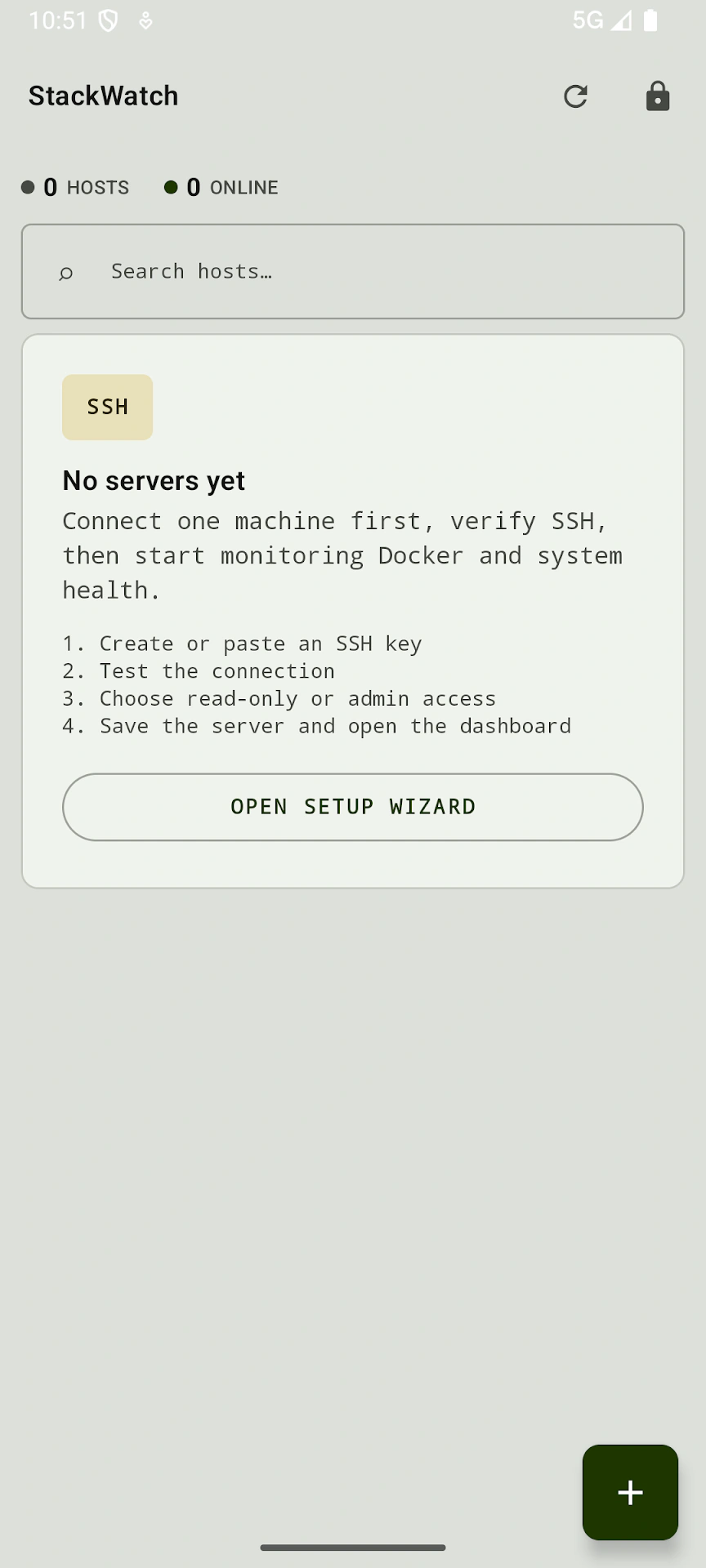
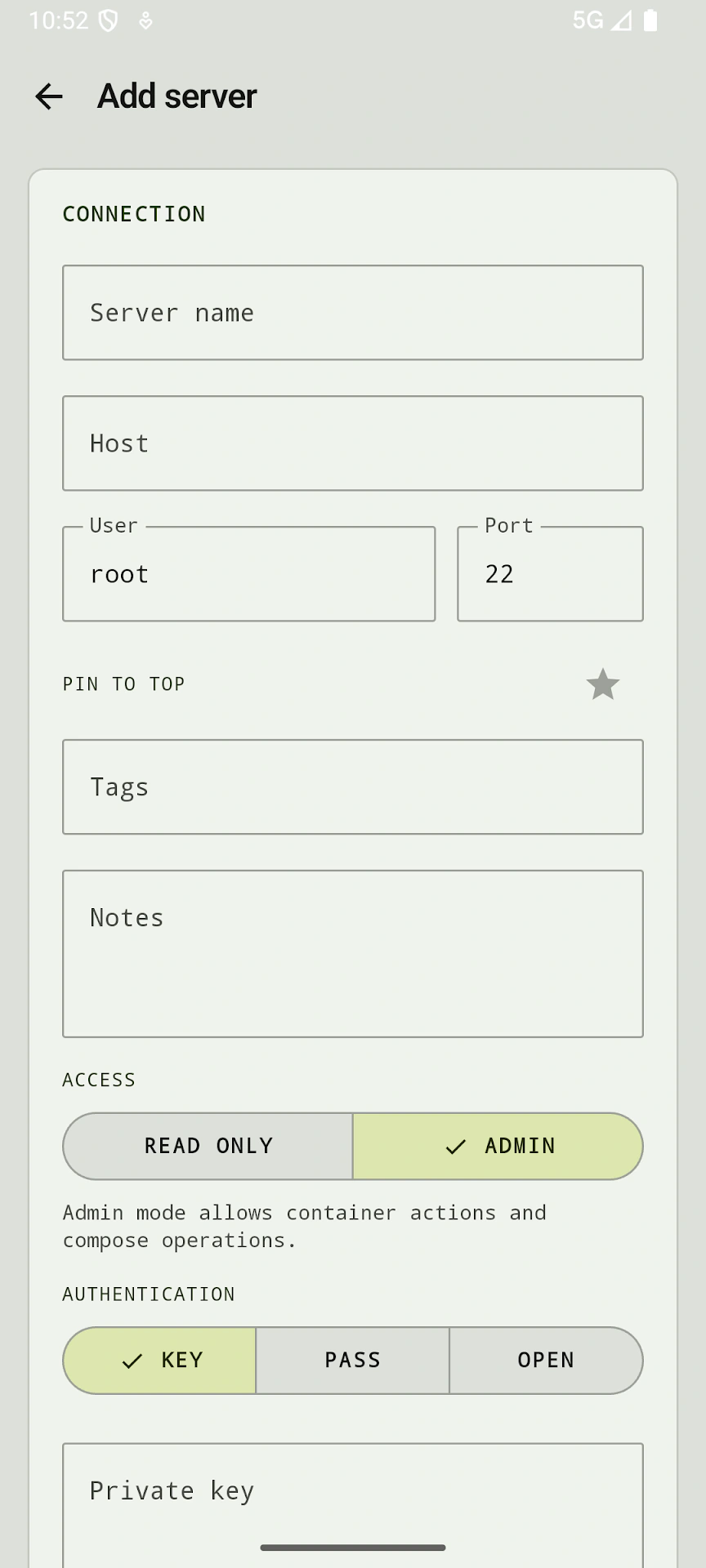
- 01Add a Linux server with its host, port, and SSH credentials.
- 02StackWatch connects directly from your Android device and starts streaming live system and container health.
- 03Use widgets, alerts, logs, files, commands, or the built-in terminal whenever your infrastructure needs attention.
Good to know
- No cloud account or third-party relay is required. Connections go directly from your device to your servers over SSH.
- Credentials stay on-device in Android's encrypted storage, and you can add an optional biometric lock for extra protection.
- Best fit for developers, sysadmins, and homelab setups where SSH access is already available through your network or VPN.
Questions
Does StackWatch require a cloud account?
No. StackWatch connects directly to your Linux servers over SSH, so there is no cloud account or third-party relay required.
What can I manage from the app?
You can monitor live system metrics, review container health, manage Docker actions, inspect logs, run commands, browse files over SFTP, define service checks, and open a full SSH terminal session.
Does server data leave my network?
StackWatch is designed so connections stay end-to-end encrypted over SSH and credentials remain stored on-device using Android's encrypted storage.